

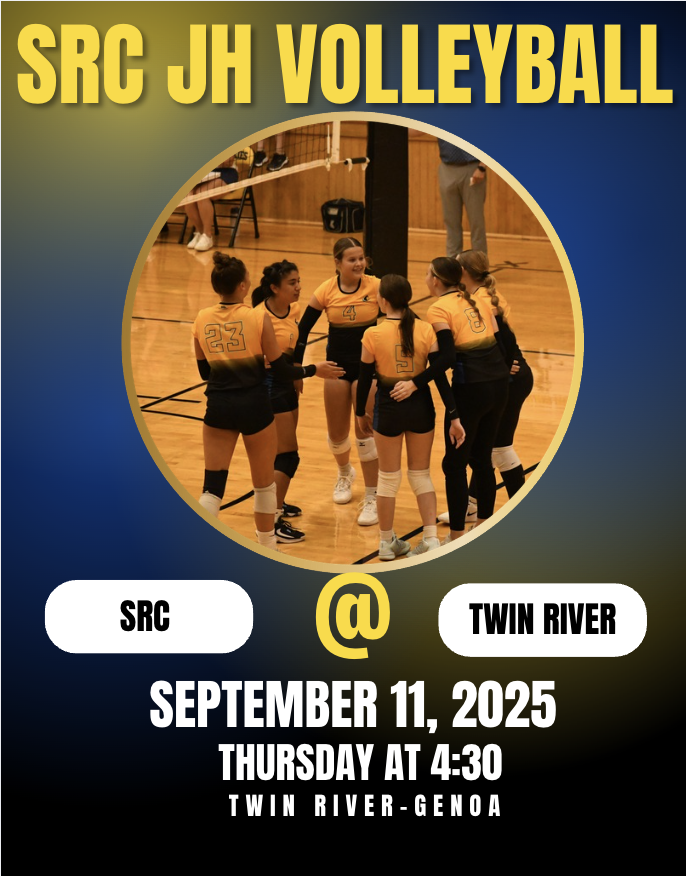
Today's JH Volleyball game will be played in Silver Creek!
Good luck ladies!
Good luck ladies!
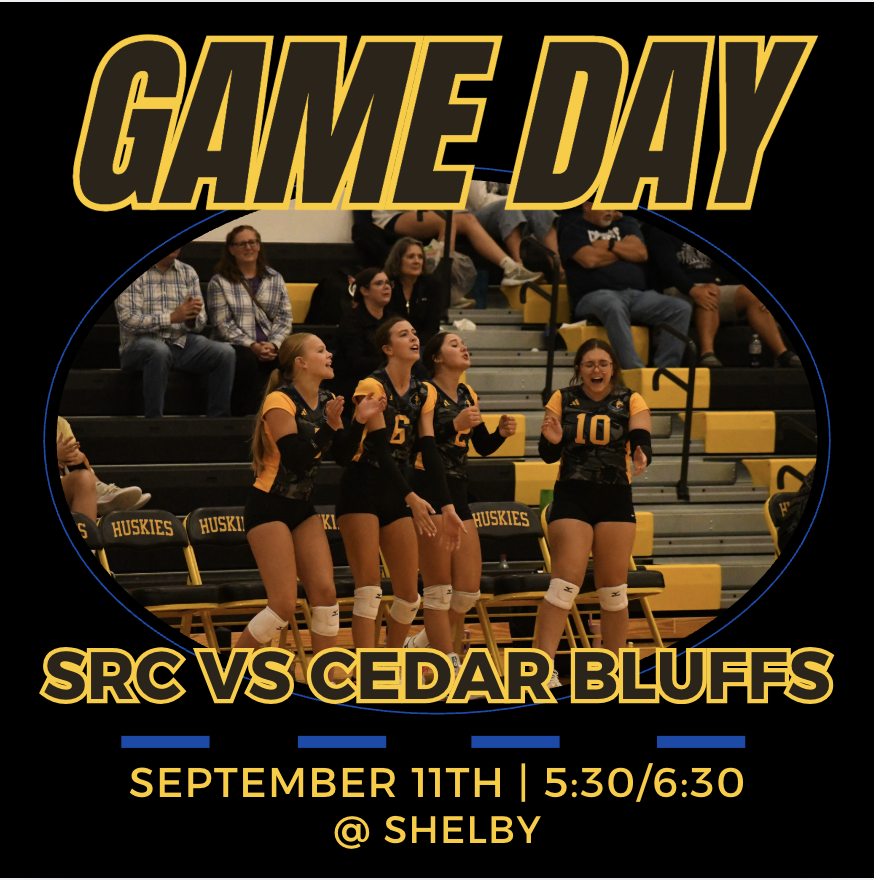
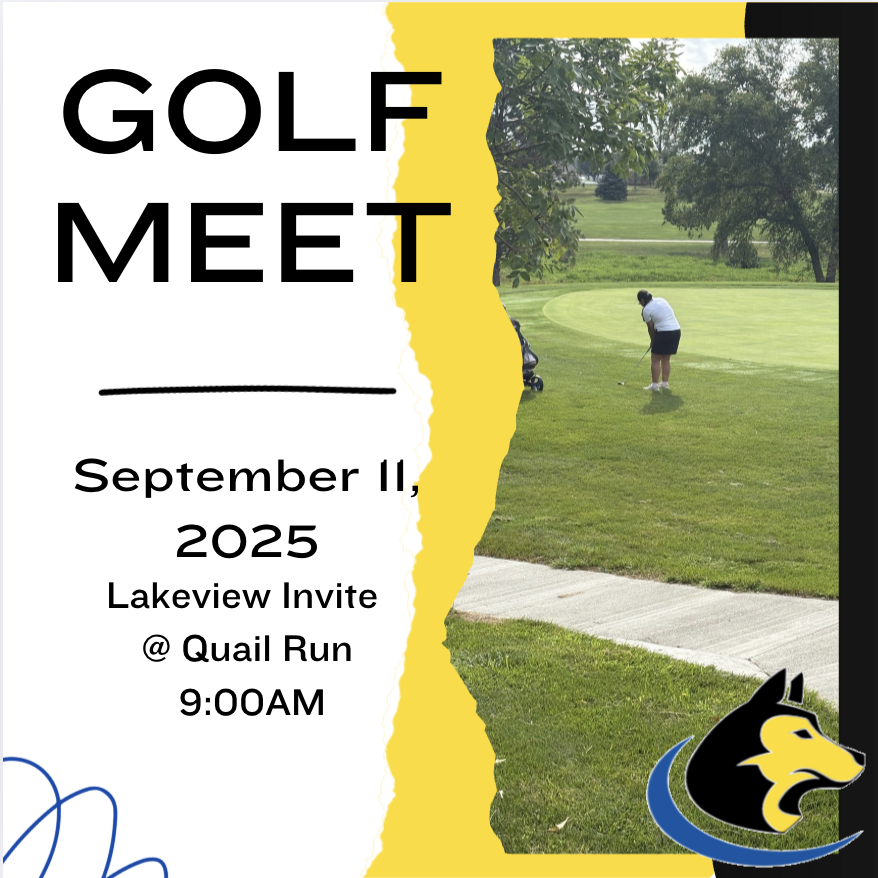
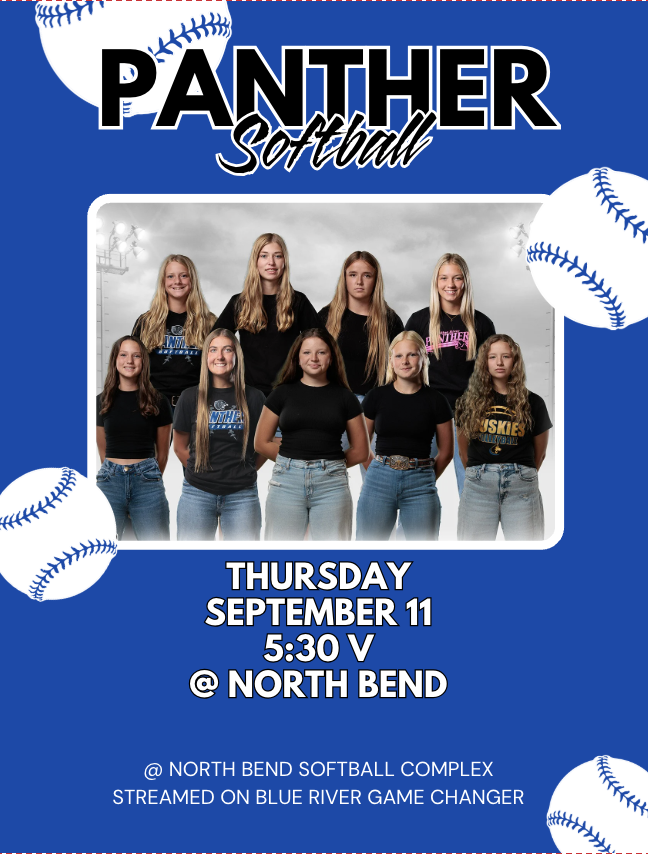
Here are Thursday's events! Good luck to all of our teams today!
#rollskies🐾
#rollskies🐾

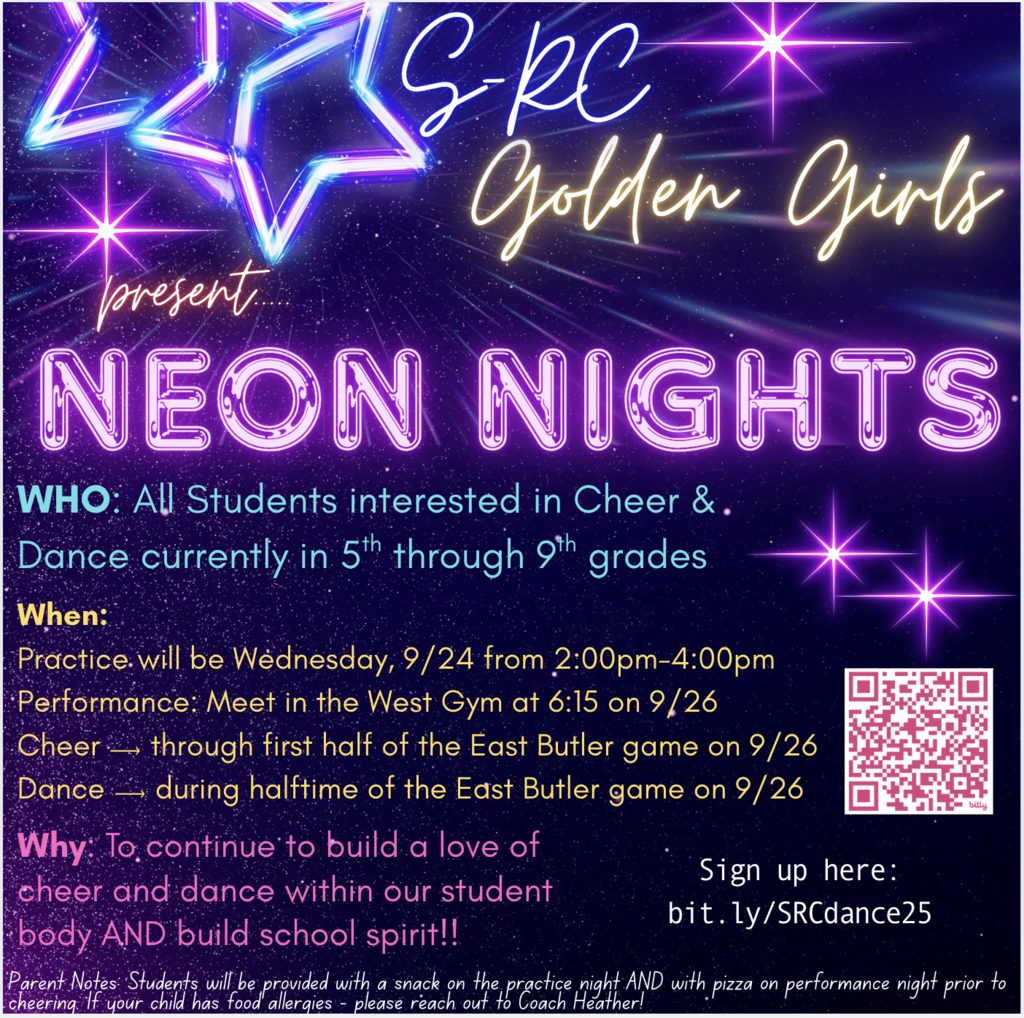
COMING SOON: 5th-9th grade Neon Nights! Performances will be 9/26. Sign Up HERE: bit.ly/SRCdance25 HUGE Thanks to our sponsors: Triple S Service, Hometown Table & Exchange, Cherry Hill Ag, LLC, Pody's, & Century 21 Realty Team! Want to Sponsor? Contact Heather Thompson for info!
Due to numbers/injuries, the JV game for Monday, September 15 has been cancelled. The JH game will start at 4:30 and there is no 5th quarter.
Go Huskies!🐾🏈
Go Huskies!🐾🏈

🏈Polk County News Athletes of the Week🏈
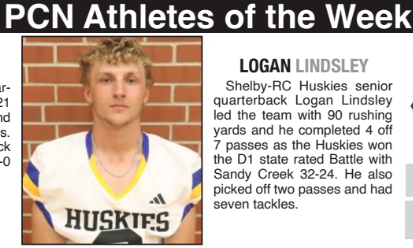
Congratulations to our own Logan Lindsley for being named PCN Athlete of the Week!
He led the team with 90 yards rushing & completed 4/7 passes. On defense, he had two interceptions and seven tackles! Great work!
#rollskies
Congratulations to our own Logan Lindsley for being named PCN Athlete of the Week!
He led the team with 90 yards rushing & completed 4/7 passes. On defense, he had two interceptions and seven tackles! Great work!
#rollskies
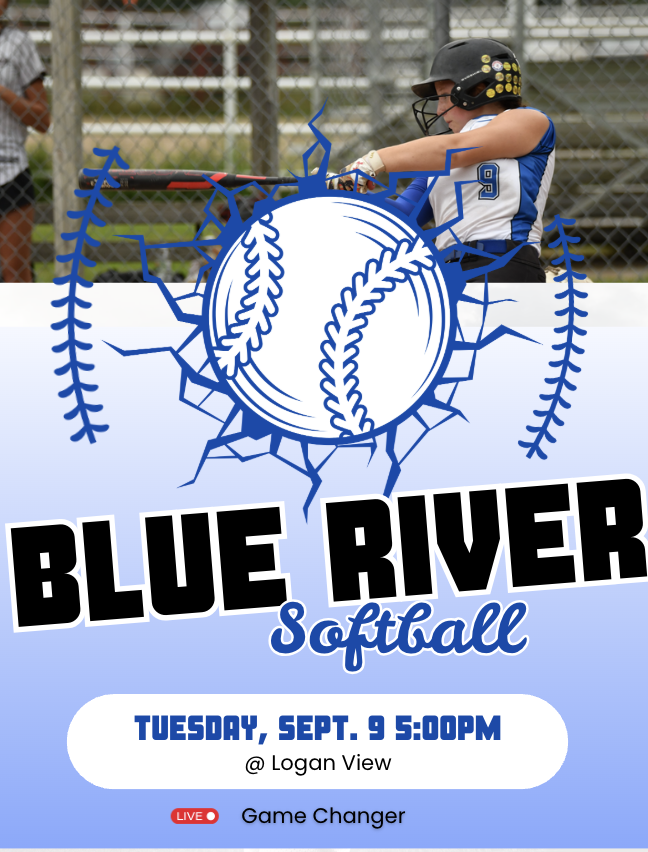
Softball does it again and goes 2-0 on the night!
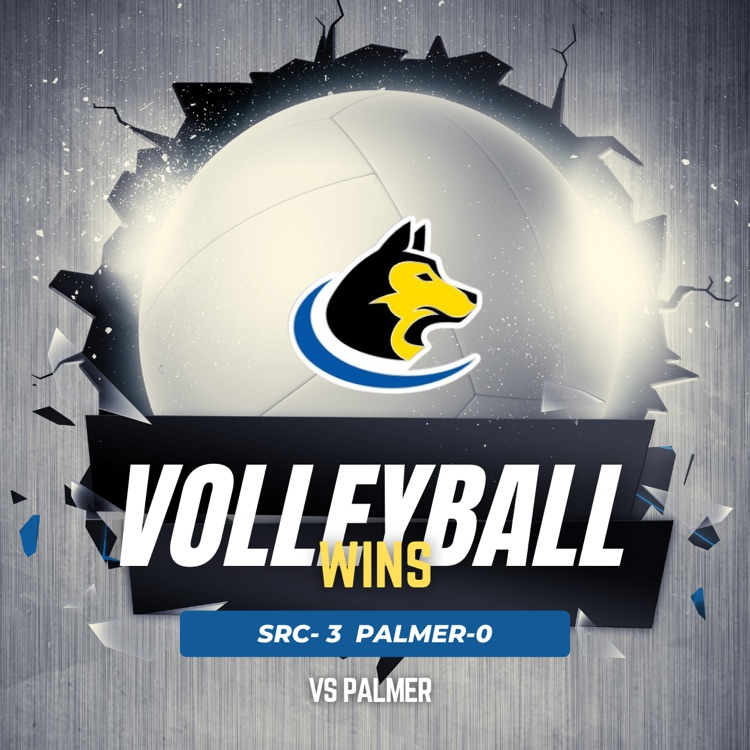
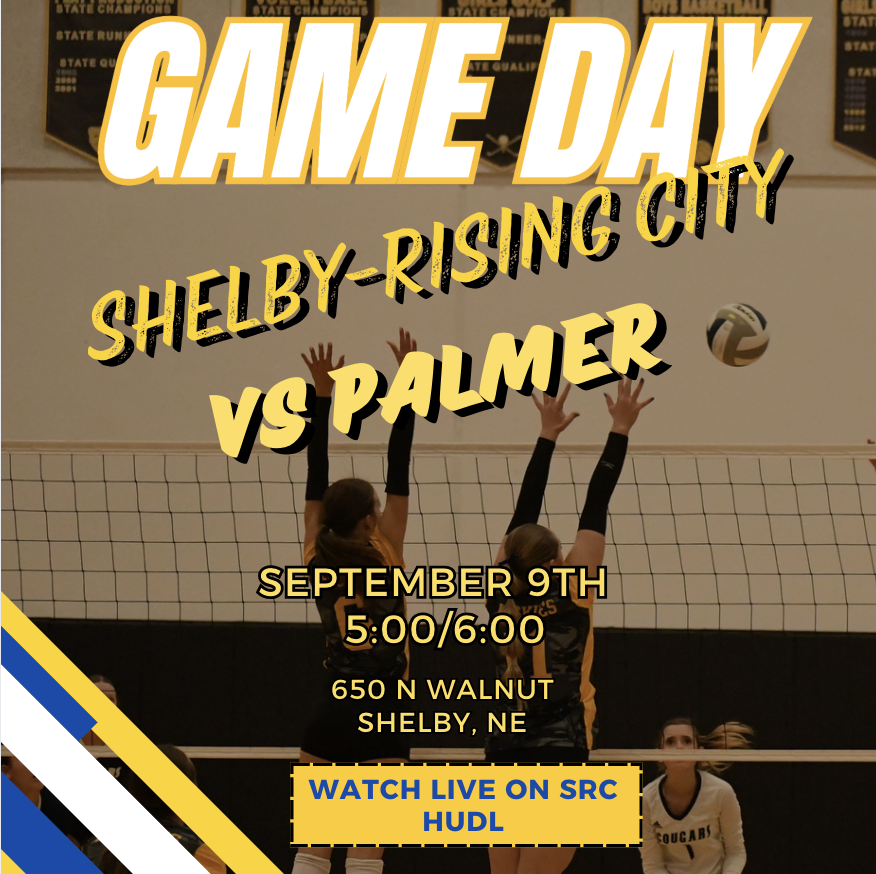
Volleyball takes down Palmer in 3!
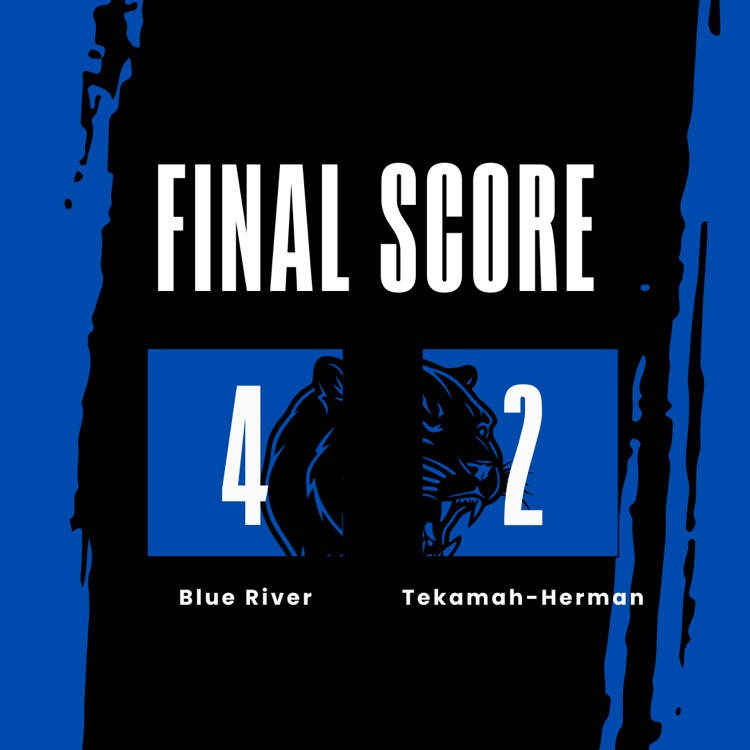
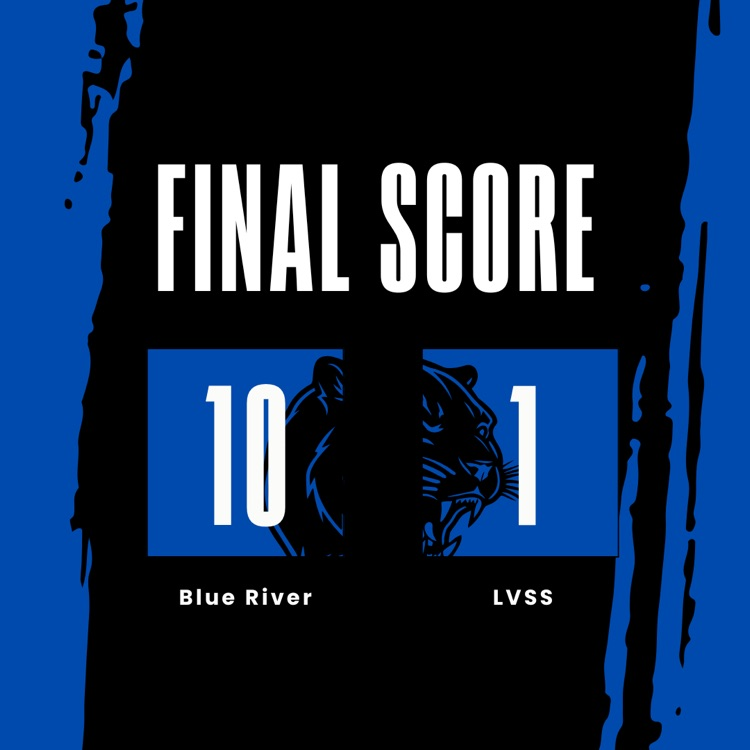
Shout out to the Lady Panthers in their win tonight! They were down 0-1 in the 7th and came back to win 10-1! Congrats ladies!
No plans tonight? Come out and watch some of our Husky athletes in action!
Results from the football games tonight against Sutton.
SRC-O beat Sutton 28-20
SRC fell short 6-20

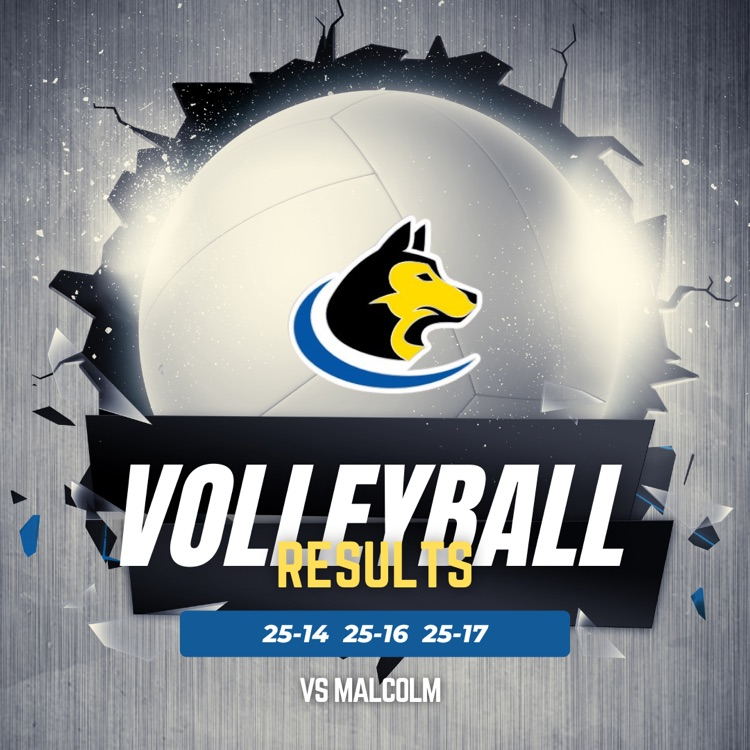
The Husky volleyball team battled but fell short to Malcolm. They are back in action tomorrow at HOME!🙌🏻🐾
Due to low numbers from Sutton, there will be no 5th quarter for JH. The game will still start at 4:30.
Go Huskies!🐾
Go Huskies!🐾
Here are today's activities! Good luck to everyone competing today!!
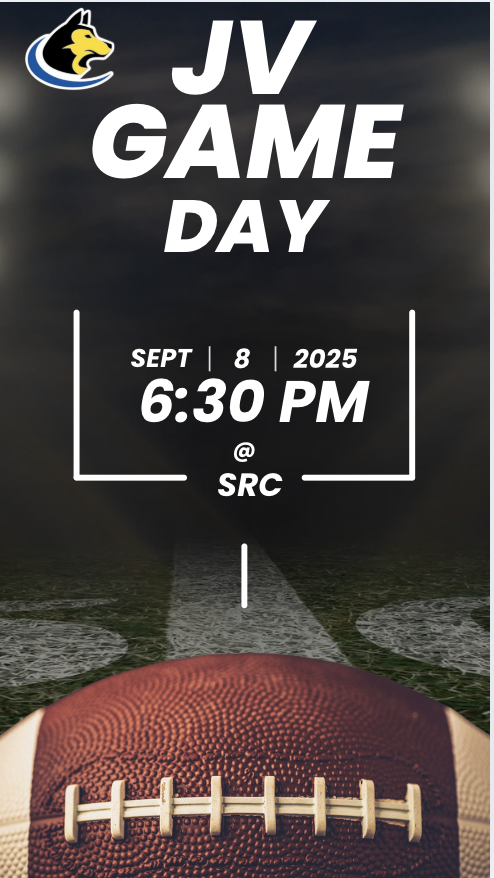
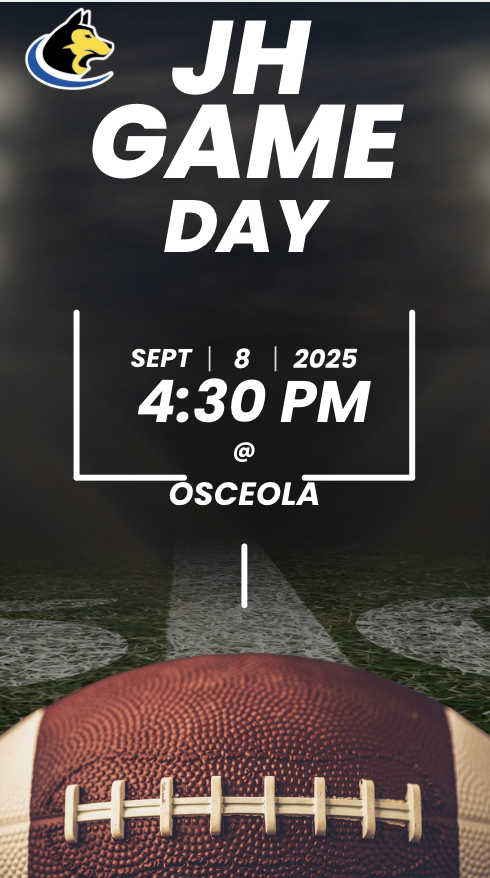
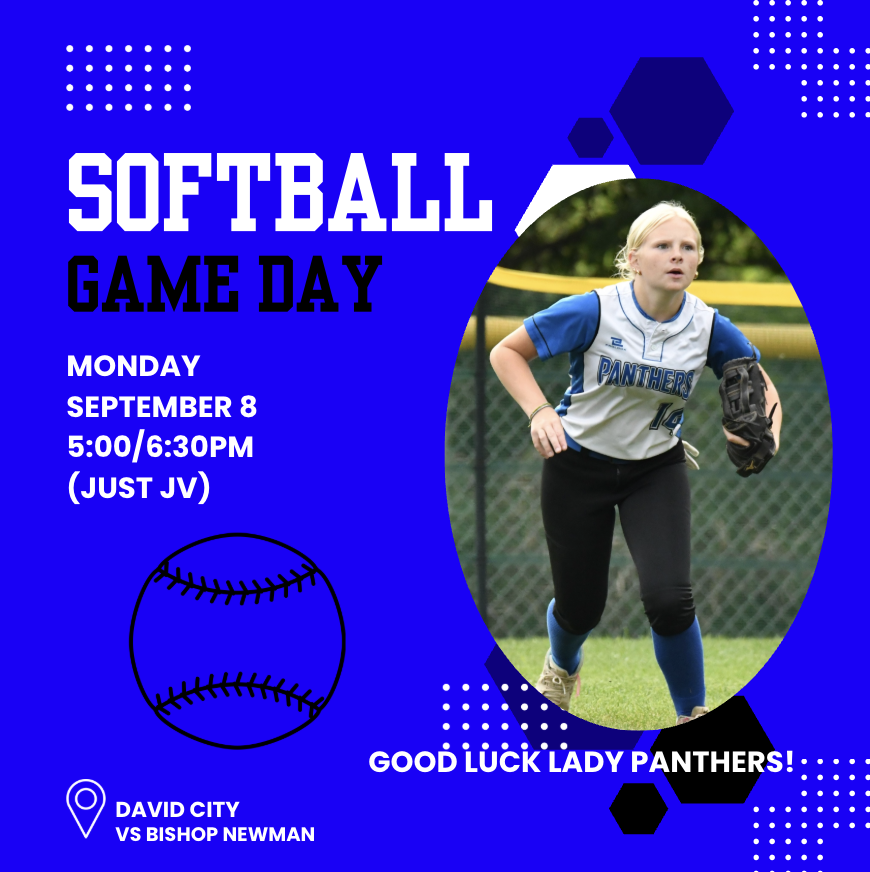
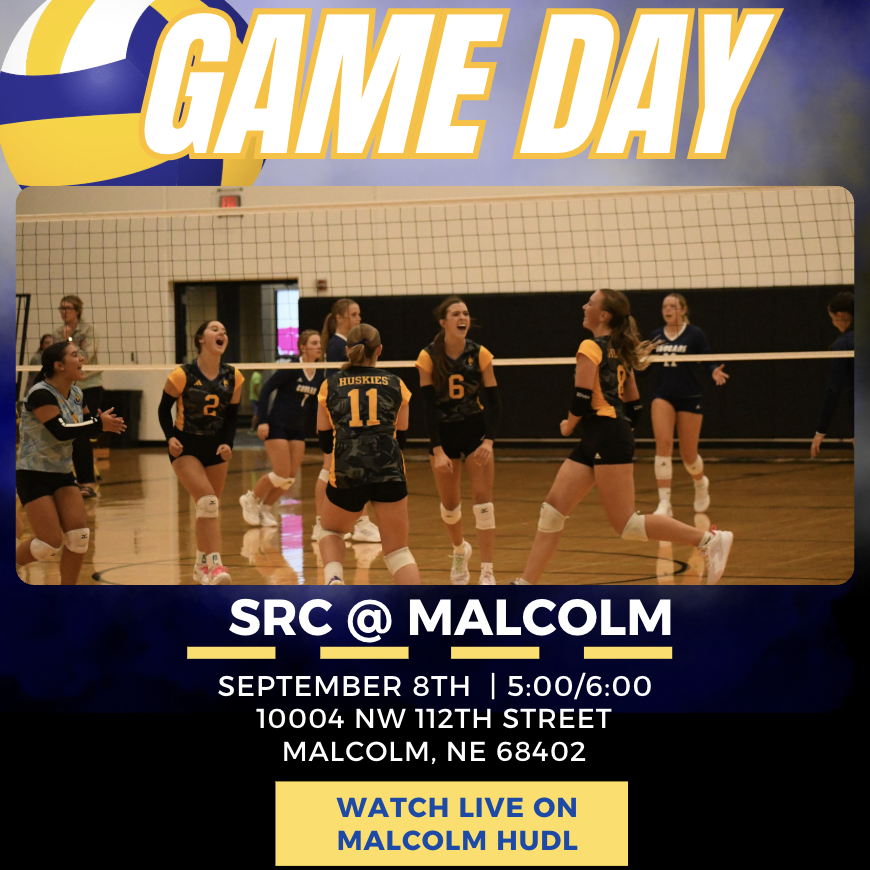
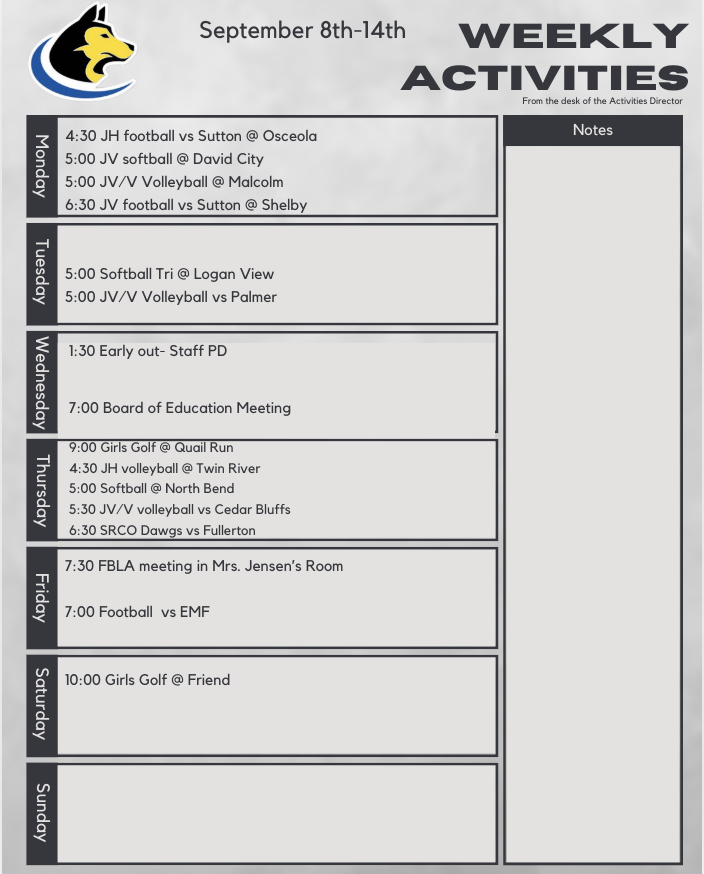
Here are the weekly activities!
#rollskies🐾
#rollskies🐾
Superintendent Newsletter for 9/7/25
https://secure.smore.com/n/dwrvk
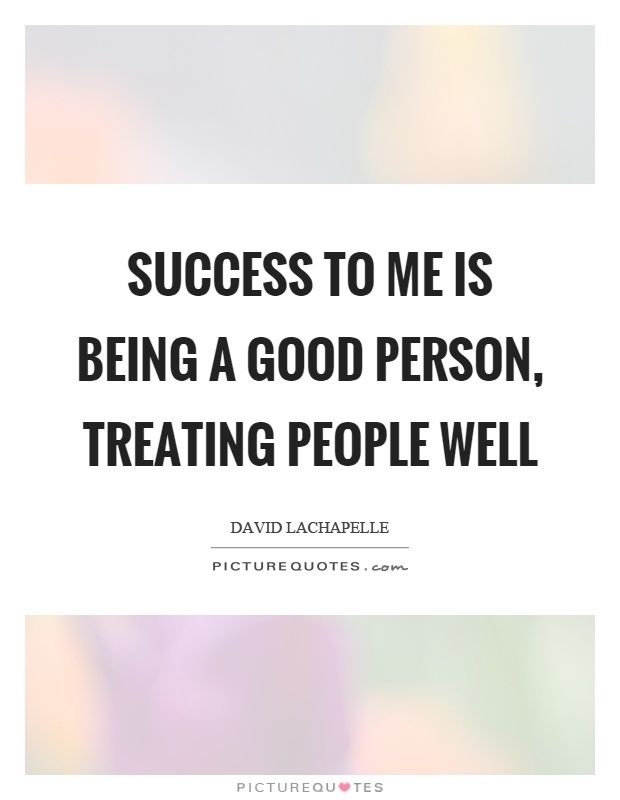
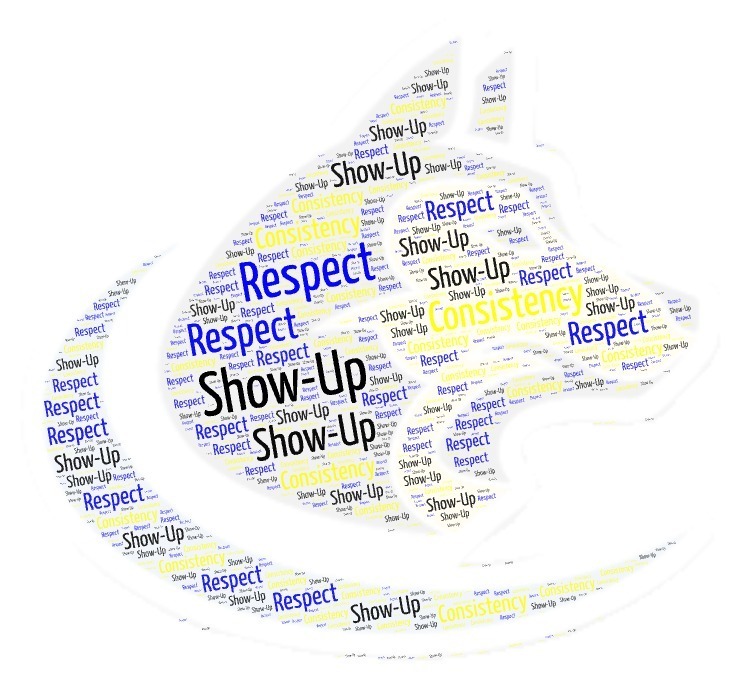
What's the real measure of success? It’s not the grades or the awards you win. It's the ripple effect of your character. It's built in the small, daily acts of kindness, respect, & empathy you show to others.
https://secure.smore.com/n/dwrvk
What's the real measure of success? It’s not the grades or the awards you win. It's the ripple effect of your character. It's built in the small, daily acts of kindness, respect, & empathy you show to others.

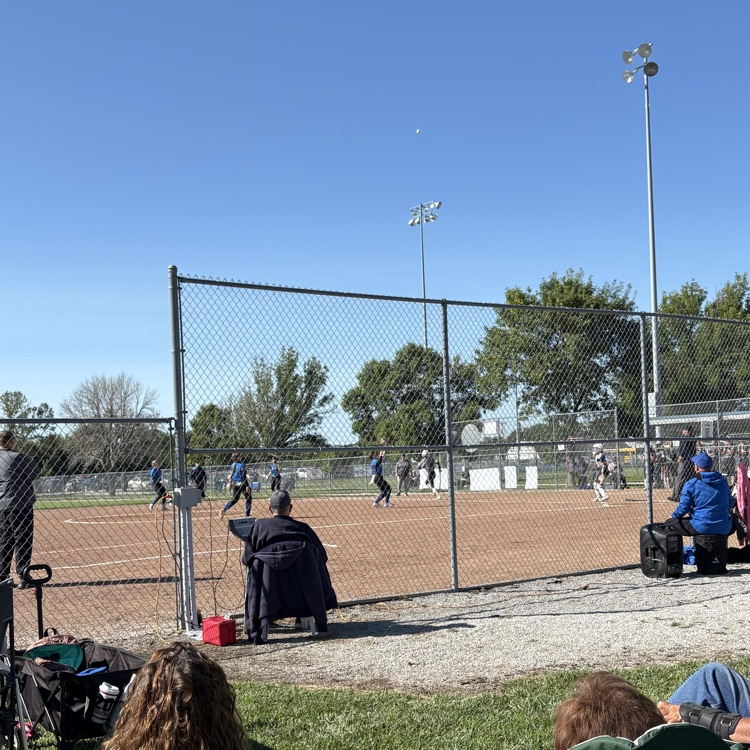
Panthers with the win on this beautiful Saturday morning!
Final score: 8-0
🙌🏻🐾HUSKIES WITH THE WIN!!!🙌🏻🐾
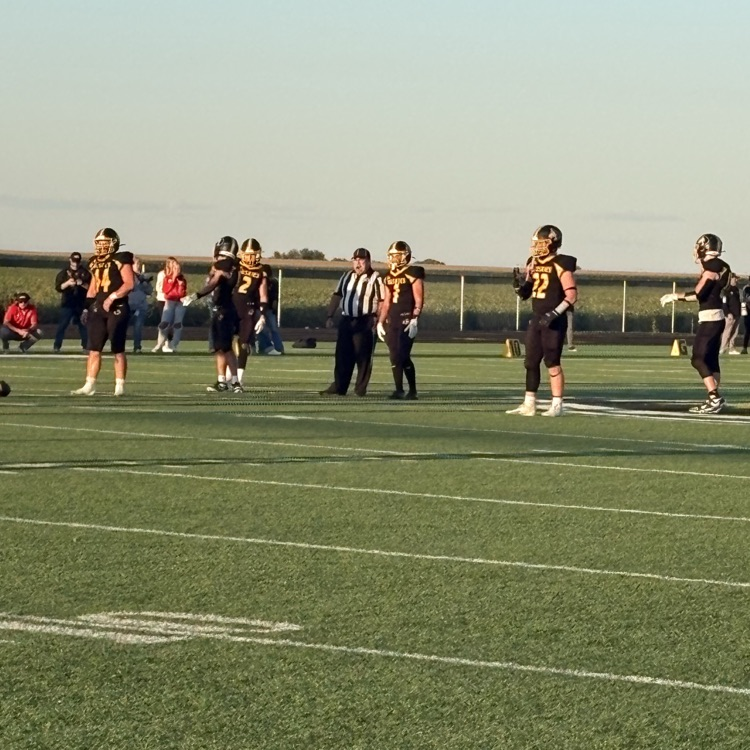
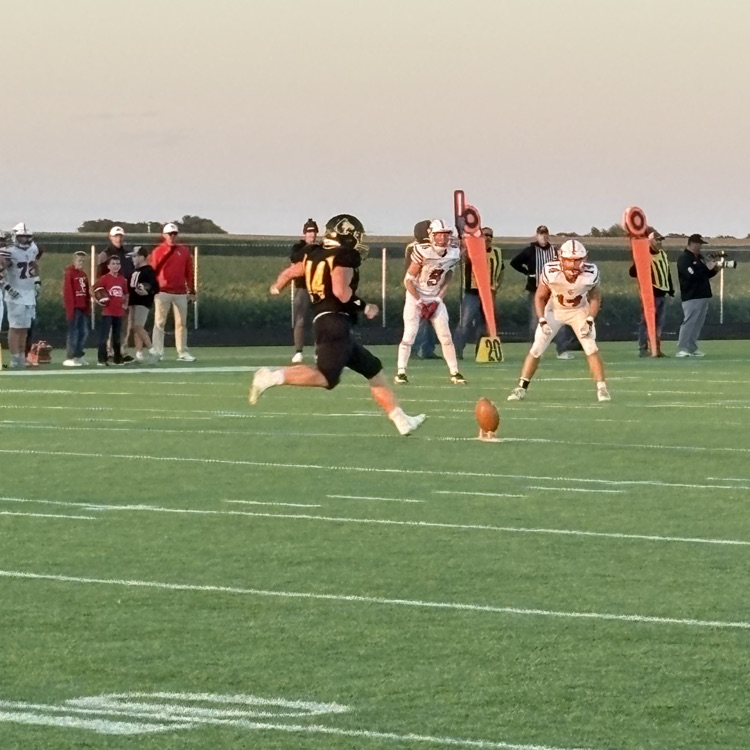
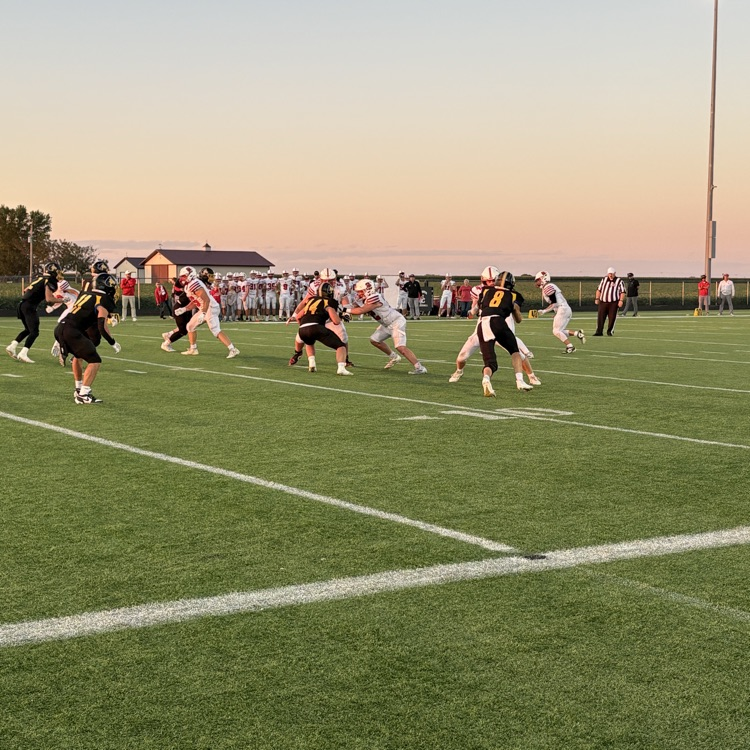
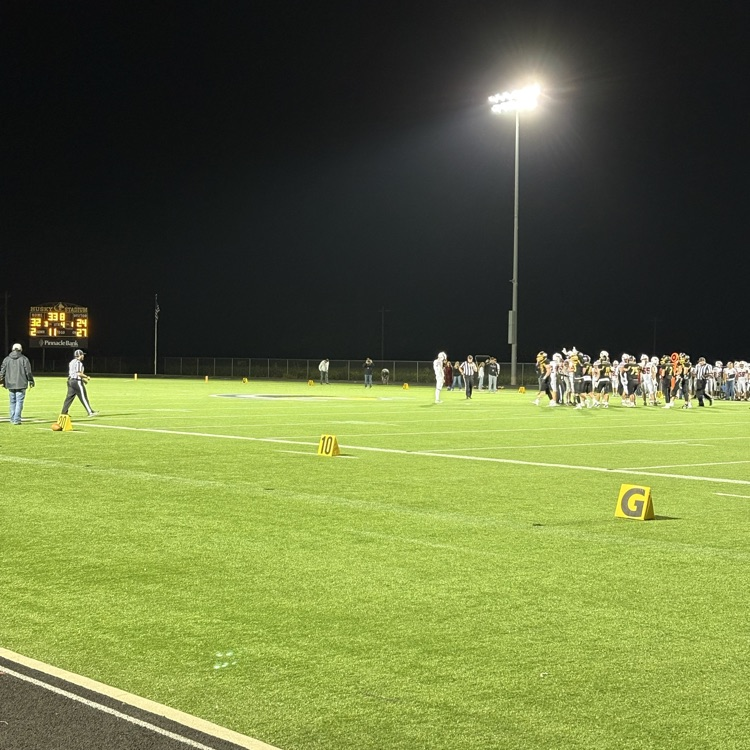
The Husky football team was in action tonight against the Sandy Creek Cougars. The Huskies came out on top with a win of 32-24!
Congrats boys!
#rollskies
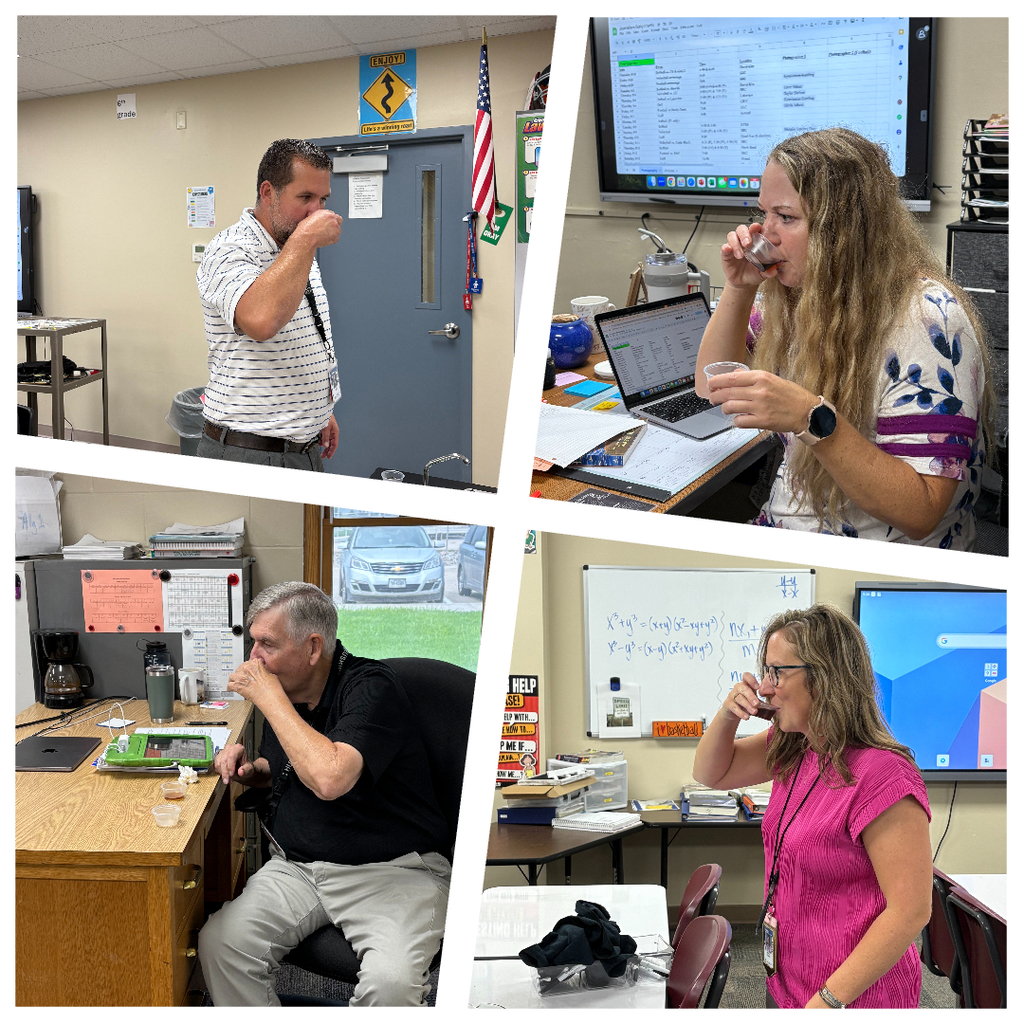
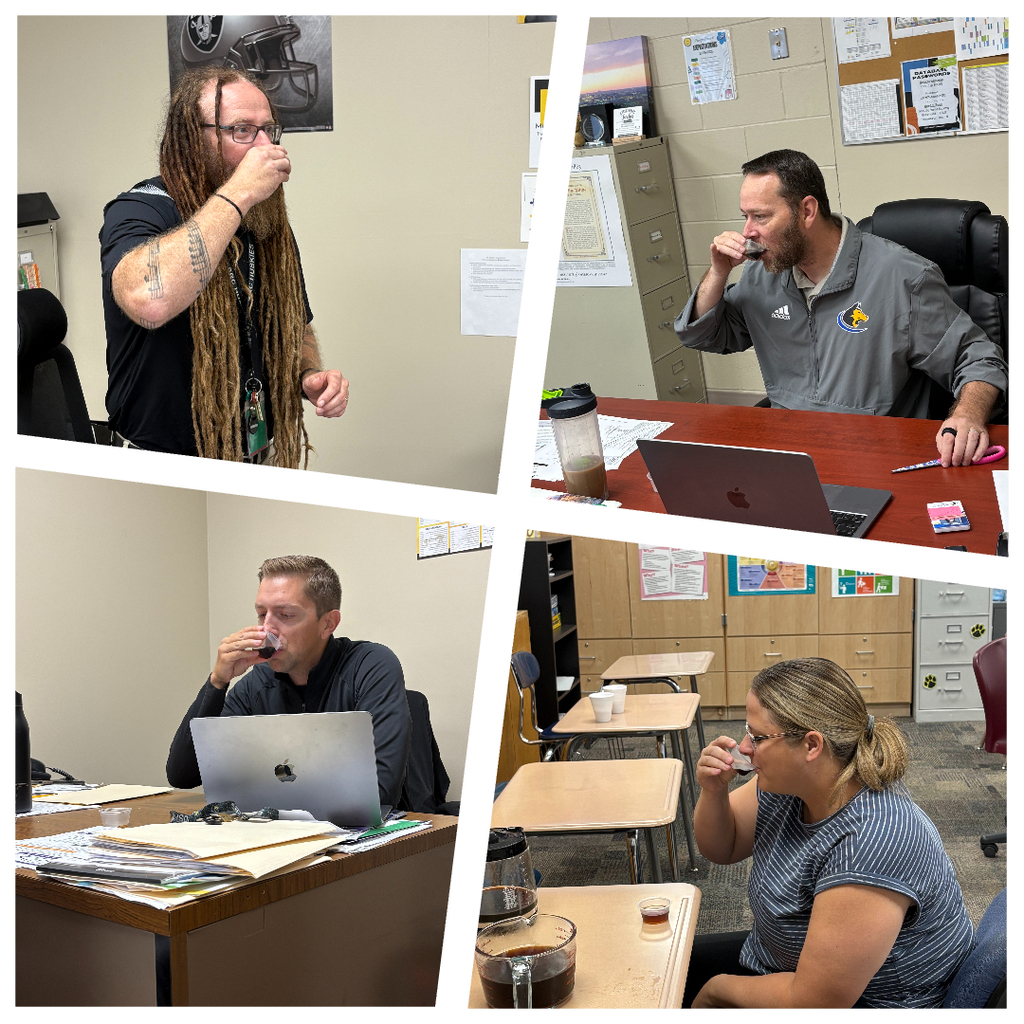
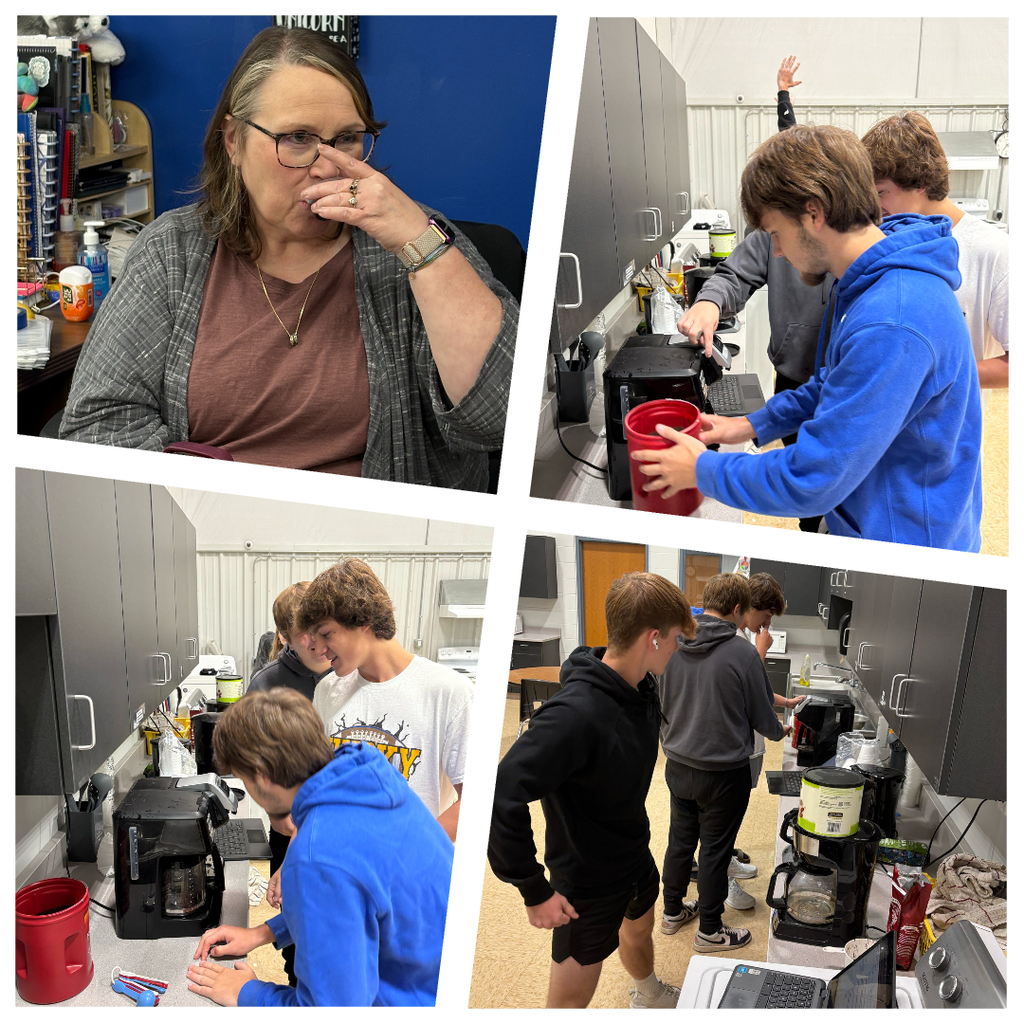
☕️Coffee Experiment☕️
The students had a great time in Food Sci. learning about flavor, temperature, brewing methods, & how variables impact the coffee-drinking experience.
Overall, the experiments sparked lots of great conversations about taste, science, & brewing methods.
The students had a great time in Food Sci. learning about flavor, temperature, brewing methods, & how variables impact the coffee-drinking experience.
Overall, the experiments sparked lots of great conversations about taste, science, & brewing methods.
6-12 Parents,
Would you like more information on your students assignments? Follow this link:
https://srchuskies.instructure.com/login/canvas
Here are the detailed steps:
For the Student:
Log in: to your student Canvas account.
Click on the Account link in the left global navigation menu.
Click on Settings.
In the User Navigation, click on the Observing link.
Click on the Pair with an observer option to generate a pairing code.
Copy: the generated pairing code. It's case-sensitive and typically expires after a short period, such as seven days.
For the Parent/Observer:
Log in: to the parent Canvas account.
Click on the Account link in the left global navigation menu.
Click on Settings.
In the User Navigation, click on the Observing link.
Type the Student Pairing Code (obtained from the student) into the provided field.
Click the Add Student button.
You can now view the student's classes and assignments by clicking on Dashboard or Courses in the navigation menu.
To pair your Canvas account with a parent/observer account, the student logs into their Canvas account, goes to Account > Settings > Observing, then clicks Pair with an observer, and copies the generated pairing code. The parent then logs into their own Canvas parent account, goes to Account > Settings > Observing, enters the student's pairing code into the "Student Pairing Code" field, and clicks Add Student.
Would you like more information on your students assignments? Follow this link:
https://srchuskies.instructure.com/login/canvas
Here are the detailed steps:
For the Student:
Log in: to your student Canvas account.
Click on the Account link in the left global navigation menu.
Click on Settings.
In the User Navigation, click on the Observing link.
Click on the Pair with an observer option to generate a pairing code.
Copy: the generated pairing code. It's case-sensitive and typically expires after a short period, such as seven days.
For the Parent/Observer:
Log in: to the parent Canvas account.
Click on the Account link in the left global navigation menu.
Click on Settings.
In the User Navigation, click on the Observing link.
Type the Student Pairing Code (obtained from the student) into the provided field.
Click the Add Student button.
You can now view the student's classes and assignments by clicking on Dashboard or Courses in the navigation menu.
To pair your Canvas account with a parent/observer account, the student logs into their Canvas account, goes to Account > Settings > Observing, then clicks Pair with an observer, and copies the generated pairing code. The parent then logs into their own Canvas parent account, goes to Account > Settings > Observing, enters the student's pairing code into the "Student Pairing Code" field, and clicks Add Student.

The journalism class is back in action! Pictures taken during school events can be found here: https://emilyblackburn.smugmug.com/2025-2026. No payment is necessary; download the pictures you would like through the website.